Vertical stacks (videos on top of each other)
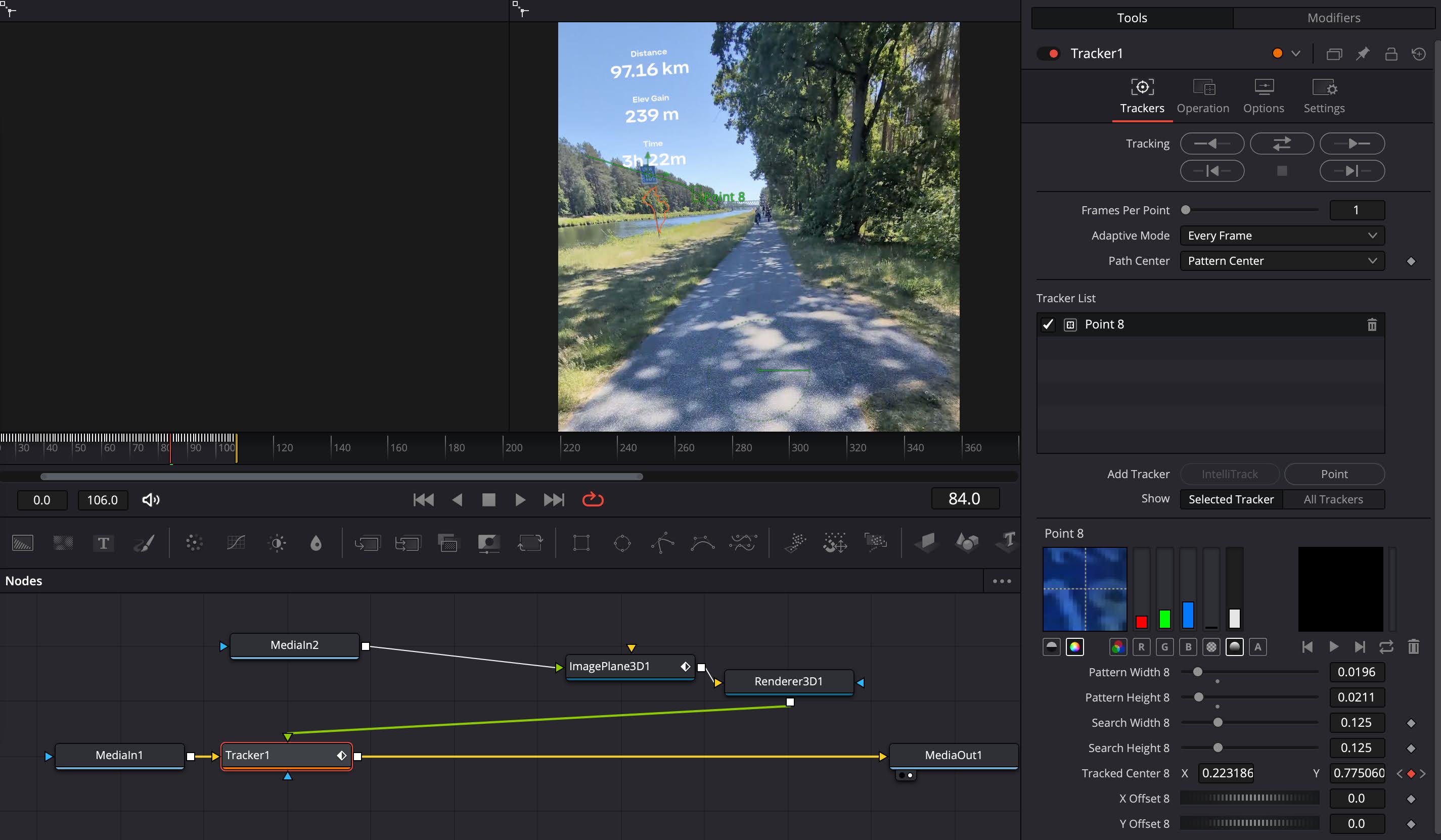
Anchoring an image to a moving object (+ making the flat image 3D)
Use "Image Plane 3D" in combination with "Renderer 3D" to make an image appear in 3 dimensions. To anchor it to a moving object, use the classic "Tracker" node in Fusion.